 Uzair
Uzair 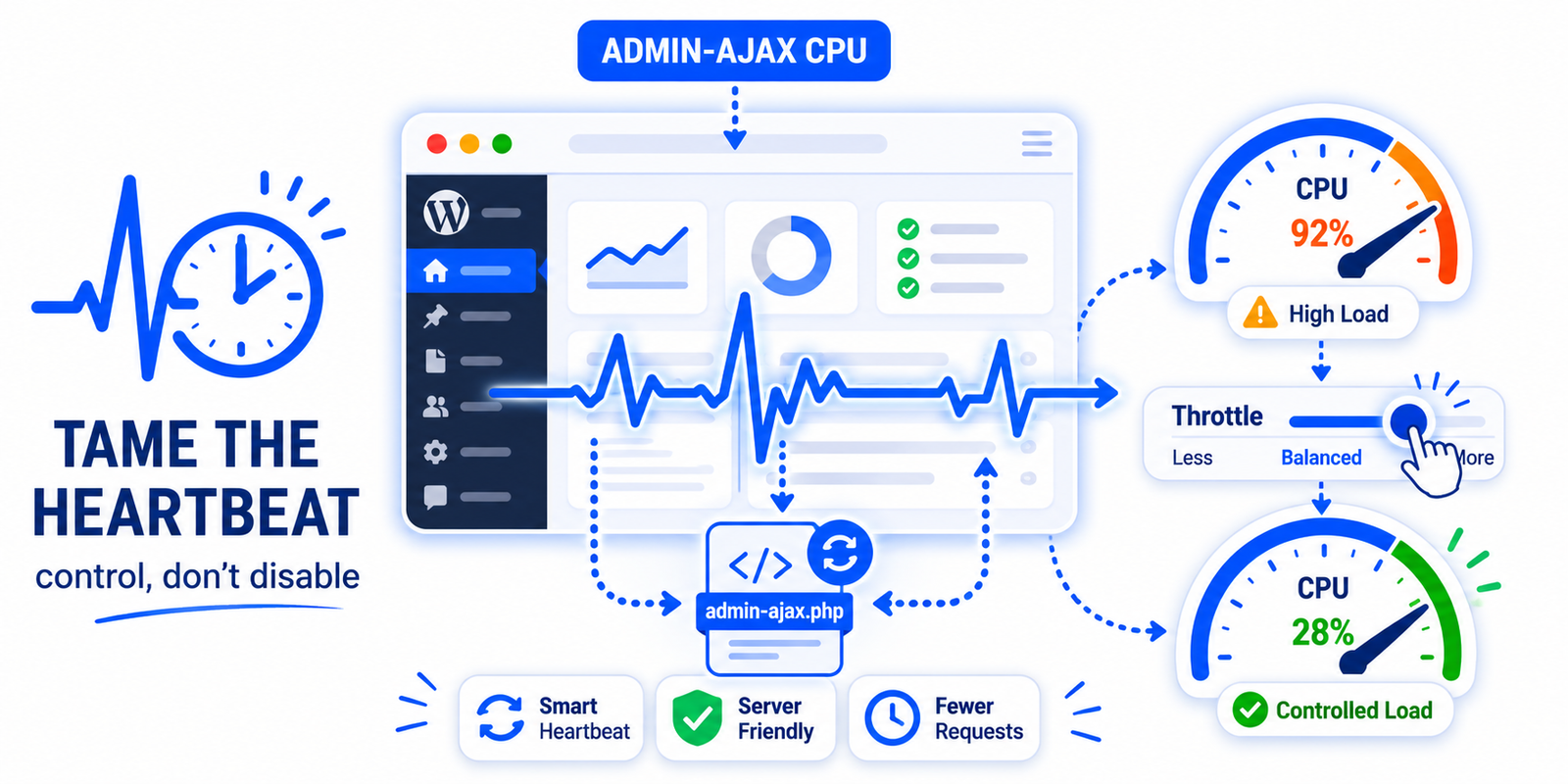
High CPU from admin-ajax.php is usually the WordPress Heartbeat API polling the server every 15–60 seconds, often made worse by WP-Cron firing on requests. Fix it by reducing or limiting Heartbeat frequency per screen — without fully disabling it, which breaks autosave — and by controlling how WP-Cron runs.
If your host’s resource graphs or slow logs keep showing admin-ajax.php consuming CPU, it can look alarming — but the cause is almost always one of two normal WordPress systems behaving a little too eagerly: the Heartbeat API and WP-Cron. This guide explains what is happening and how to bring the load under control without breaking anything important.
What admin-ajax.php is
The file admin-ajax.php is WordPress’s built-in handler for AJAX requests — background calls that the browser makes to the server without reloading the page. Plenty of legitimate features use it. So admin-ajax.php showing up in your logs is not itself a problem; the problem is when it is called too frequently, and that points to a specific source.
Cause 1: the Heartbeat API
The biggest culprit is usually the WordPress Heartbeat API. Heartbeat sends a regular AJAX request to admin-ajax.php — roughly every 15 to 60 seconds — to power real-time features: autosaving posts, warning you when someone else is editing the same post, and updating the dashboard. Each request uses a little CPU.
The trouble appears when these requests stack up: leave the post editor open in a browser tab and Heartbeat fires every 15 seconds for as long as it is open; have several admin tabs open, or several authors working, and the requests multiply. On shared or modest hosting, that steady drumbeat can spike CPU.
Cause 2: WP-Cron
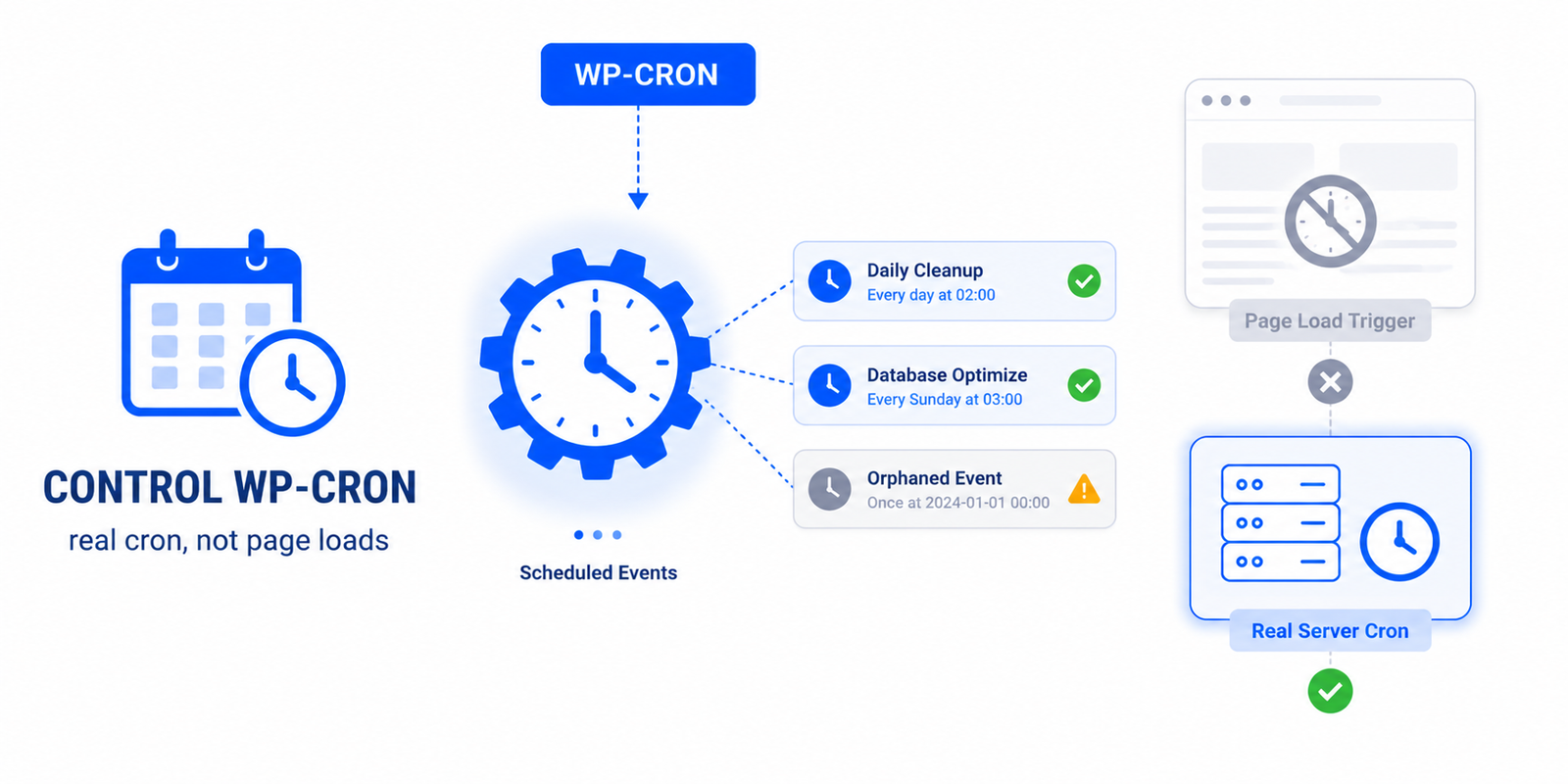
The second contributor is WP-Cron, WordPress’s scheduled-task system. WP-Cron runs on page requests, and if heavy scheduled tasks fire — or many are queued — they add load that can show up alongside admin-ajax activity. We cover this fully in how to control WP-Cron.
How to fix it — without breaking autosave
The wrong fix is to disable Heartbeat entirely. That stops the CPU usage, but it also kills autosave and the post-locking warning, so two people can overwrite each other’s edits and you can lose work. The right approach is to control it, not kill it:
- Slow Heartbeat down where high frequency is not needed — for example on the dashboard — by increasing its interval.
- Disable it on the front end, where it usually serves no purpose.
- Keep it active in the post editor (perhaps at a slightly longer interval) so autosave and post-locking still work.
- Control WP-Cron so heavy scheduled tasks are not piling onto the same load.
Doing it in WordPress
Easy Optimizer includes a Heartbeat Manager and a Cron Manager that let you tune exactly this: adjust or disable Heartbeat per context — front end, dashboard, post editor — and manage how WP-Cron runs, all from the admin without editing code. That lets you cut the admin-ajax.php load while preserving autosave where it matters. After adjusting, watch your host’s CPU graph over a day or two to confirm the spikes have settled.
Rule out a plugin too
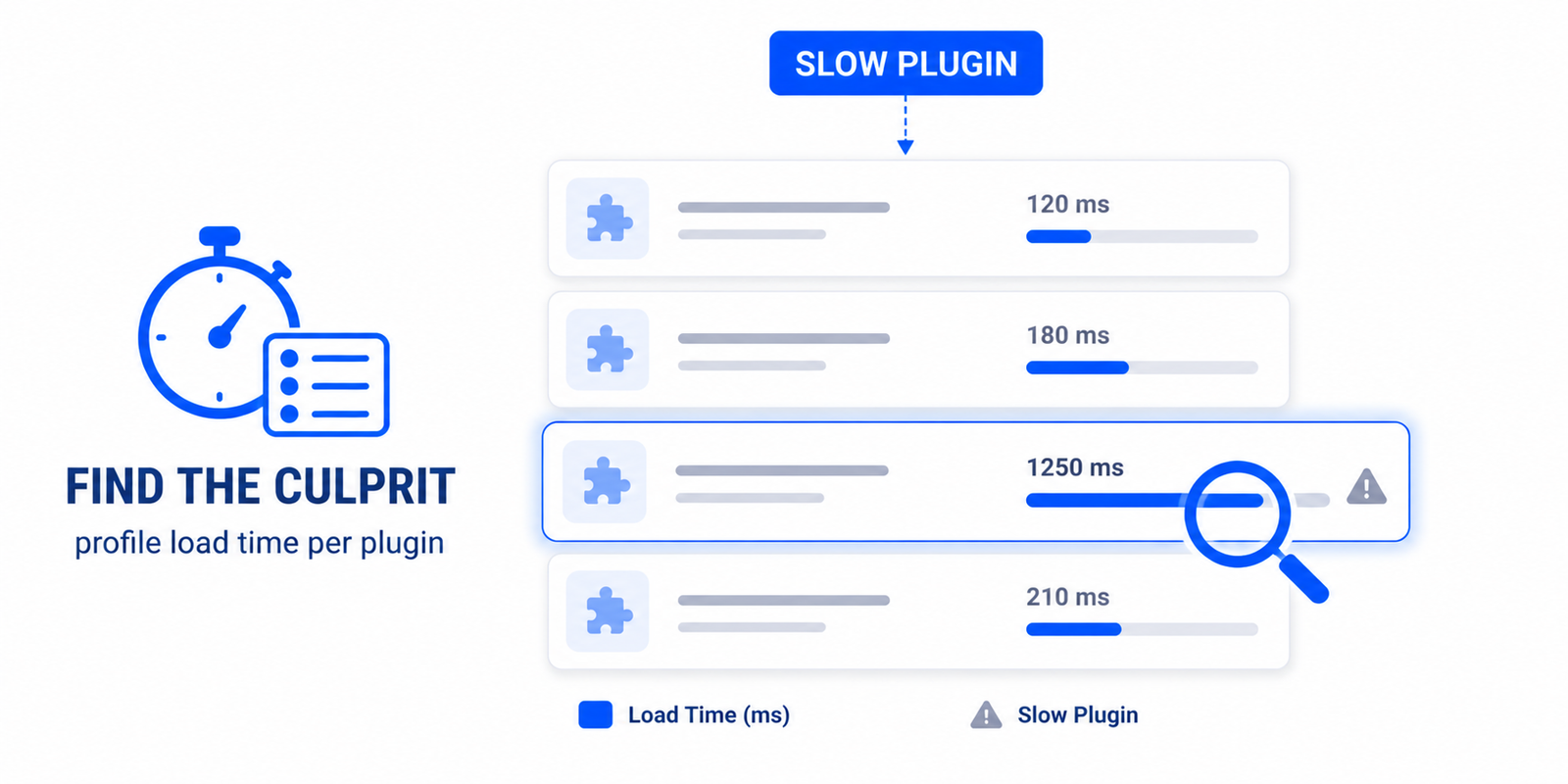
If admin-ajax.php stays busy after taming Heartbeat and WP-Cron, a specific plugin may be making frequent AJAX calls of its own. In that case, identify it using the steps in finding slow plugins and themes, and consider limiting or replacing it. Between Heartbeat control, WP-Cron management, and a quick plugin check, admin-ajax.php CPU spikes are almost always solvable.
Why is admin-ajax.php using so much CPU?
Usually because it’s being called too frequently — most often by the WordPress Heartbeat API polling every 15–60 seconds, sometimes worsened by WP-Cron or a busy plugin. The file itself is normal; the frequency of calls is what drives CPU.
What is the WordPress Heartbeat API?
It’s a system that sends regular AJAX requests to admin-ajax.php to power real-time features like post autosave, the “someone else is editing” warning, and dashboard updates. Useful, but its frequent requests can spike CPU on modest hosting.
Should I disable the Heartbeat API?
Not entirely — that breaks autosave and post-locking, risking lost work and overwritten edits. Instead, slow it down on the dashboard, disable it on the front end, and keep it in the post editor. Control it rather than kill it.
Does leaving the post editor open cause admin-ajax load?
Yes. With the editor open, Heartbeat fires roughly every 15 seconds for as long as the tab stays open. Multiple open tabs or several authors multiply the requests, which can add up to noticeable CPU use.
How do I reduce admin-ajax.php requests?
Tune the Heartbeat API’s frequency per screen and disable it where it isn’t needed, control how WP-Cron runs, and check for plugins making frequent AJAX calls. Easy Optimizer’s Heartbeat and Cron managers let you do the first two without code.
Could a plugin be calling admin-ajax.php?
Yes. Some plugins make their own frequent AJAX calls. If load stays high after controlling Heartbeat and WP-Cron, profile your plugins to find which one is responsible, then limit or replace it.