 Uzair
Uzair 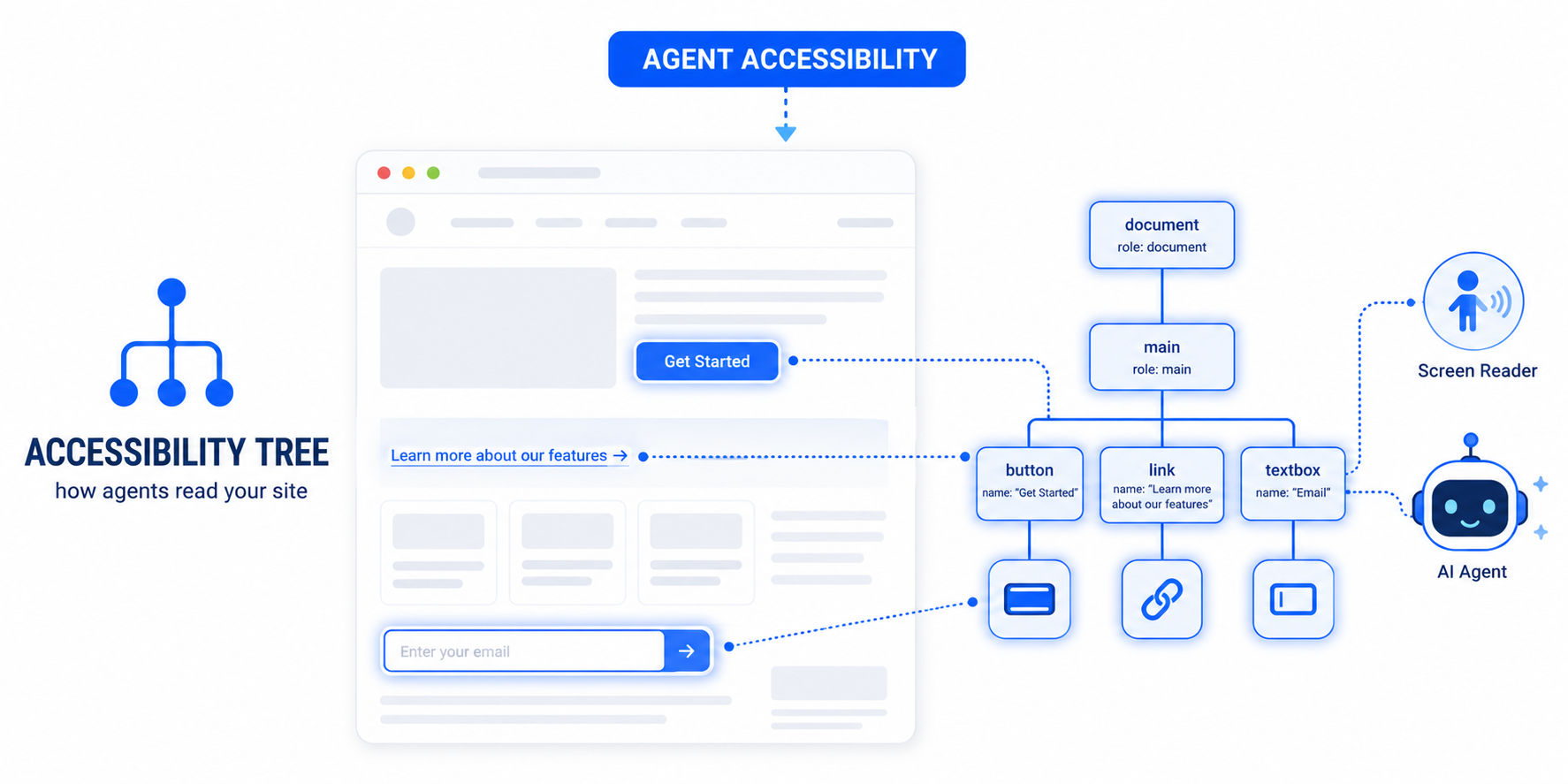
AI agents don't see your website's pixels — they read the accessibility tree, the machine-readable model the browser builds from your HTML. Every button, link and form field needs a clear, programmatic name. The same fixes that help screen-reader users make your WordPress site usable by AI agents.
When you optimise a website, you usually picture a human on the other end. But a growing share of your “visitors” are AI agents — assistants that open your pages and try to complete tasks for someone. And here is the part most site owners miss: an agent does not look at your carefully designed page the way a person does. It reads a hidden, structured layer underneath it called the accessibility tree.
That single fact reframes accessibility. It is no longer only about compliance or screen-reader users. The accessibility tree is now your site’s machine-readable layer — the data model AI agents depend on. Get it right and agents can use your site. Get it wrong and they stall in exactly the same places a screen-reader user would.
What is the accessibility tree?
When a browser loads your page, it builds two things from your HTML. One is the visual render — the pixels a person sees. The other is the accessibility tree: a structured, text-based representation in which every meaningful element carries three things — a role (is it a button, a link, a heading, a text field?), a name (its label or text), and a state (is it checked, expanded, disabled?). Assistive technologies like screen readers have always used this tree to describe a page to people who cannot see it.
Why AI agents read the accessibility tree
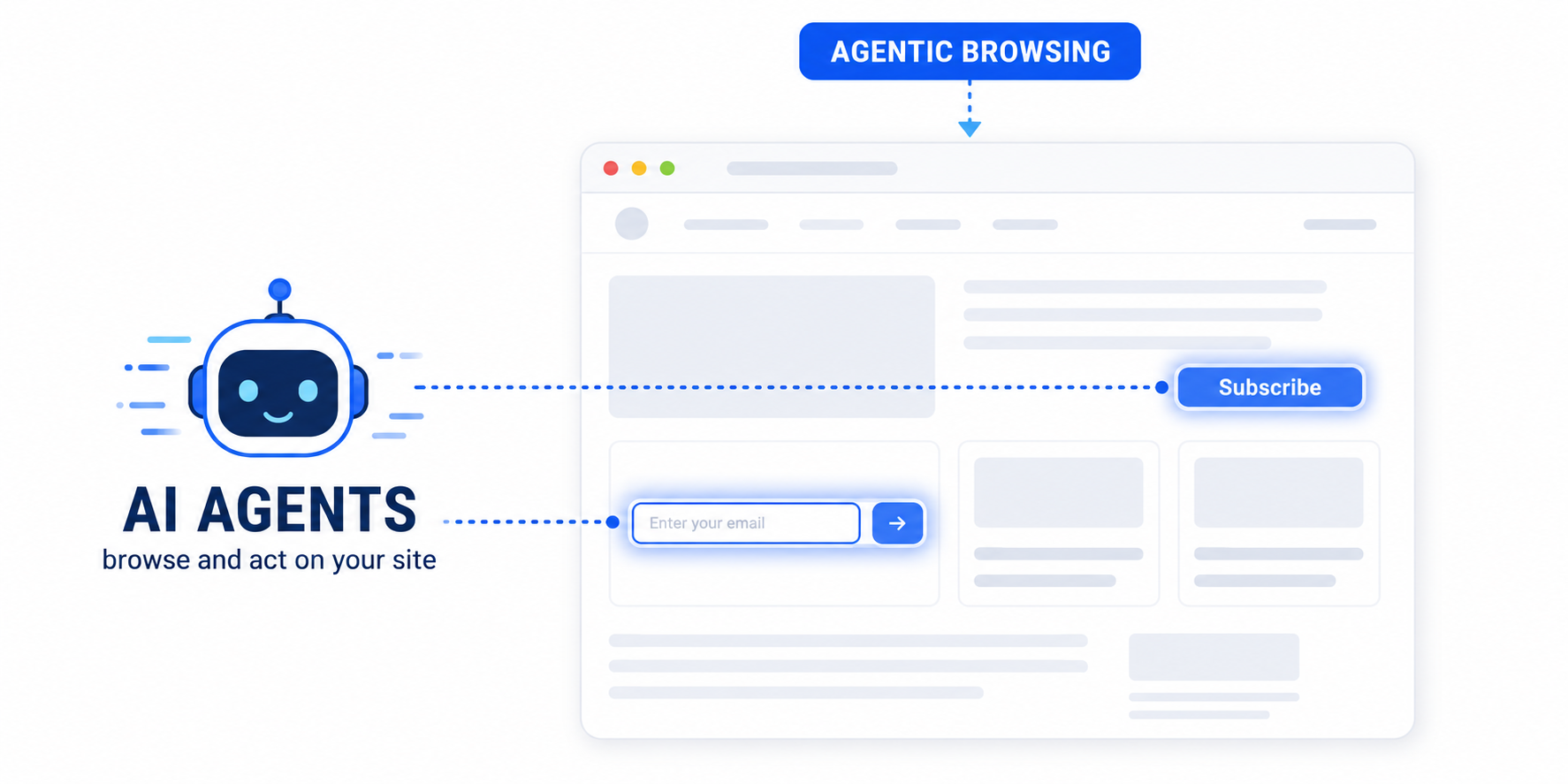
Google’s Chrome team is explicit about it: agents review the accessibility tree to identify interactive elements, and it serves as their primary data model. A model trying to “click the subscribe button” or “fill in the email field” does not analyse pixels — it queries the tree for an element with the role “button” and the name “Subscribe”. If that element has a clear name, the agent acts confidently. If the button is an unlabelled icon, or the field has no associated label, the agent has nothing to match against, and the task fails.
This is why Chrome’s documentation makes the point directly: missing labels can block users with visual disabilities and agents from completing the same task. They are reading the same data.
The accessibility gaps that block agents
These are the most common WordPress issues that break the accessibility tree — each one flagged by Lighthouse, and each one a wall for an AI agent:
- Form fields with no associated label. The agent sees a textbox with no name and cannot tell what to type where.
- Buttons with no accessible name. An icon-only button — a bare SVG, a “×” close button — registers as a button with an empty name.
- Links with no discernible text. An icon link or an image link with no alt text is a destination with no description.
- Invalid roles or a broken tree. Misused ARIA, or interactive elements nested in ways that confuse parent-child relationships, corrupt the model.
- Interactive content hidden from the tree. Something a user can interact with but that is marked
aria-hiddenor otherwise excluded simply does not exist to an agent. - Images with no alt attribute. Meaningful images become invisible to anything reading the tree.
How this connects to Google’s Agentic Browsing audit
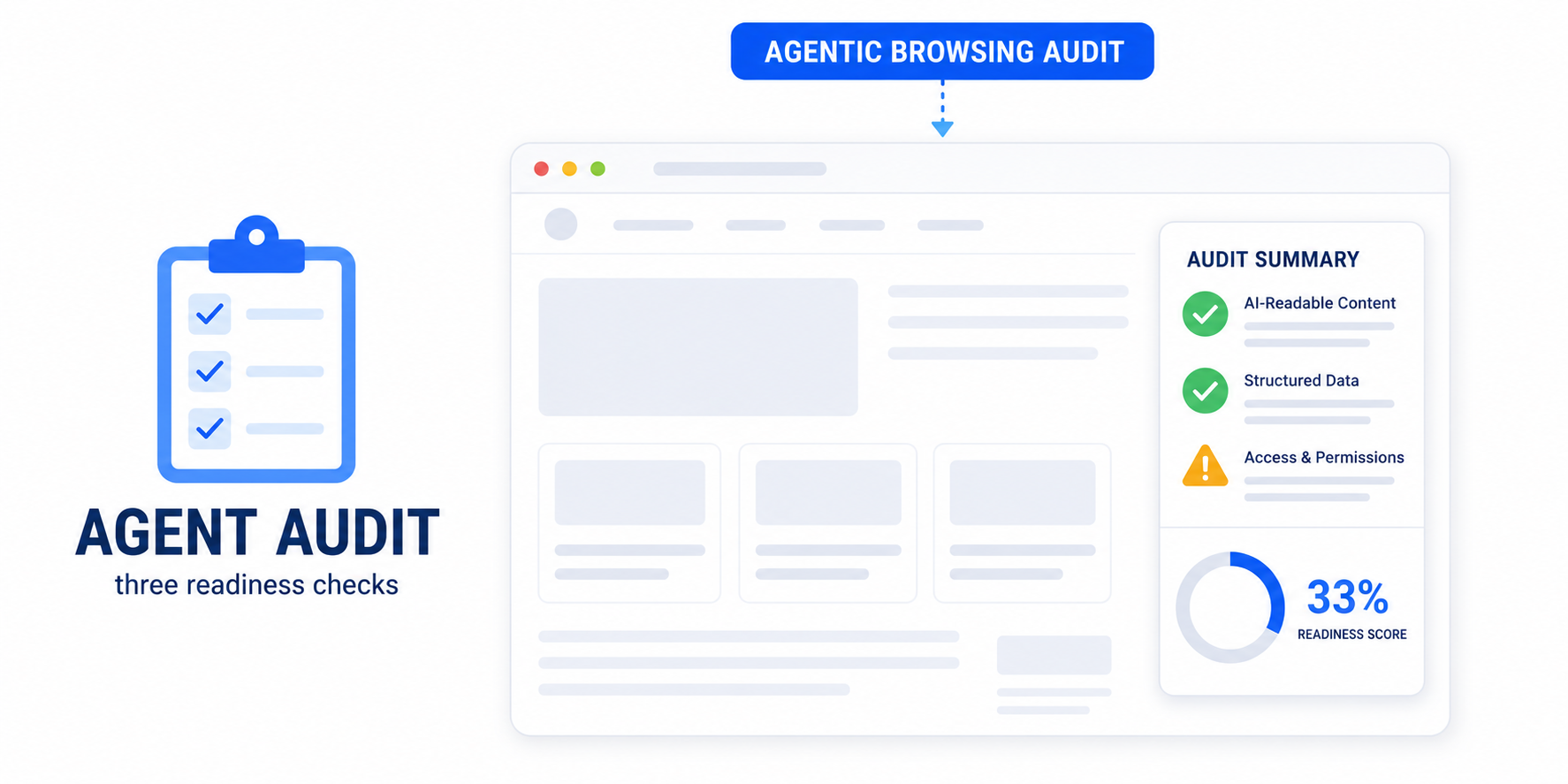
Agent accessibility is one of the three groups in the Agentic Browsing audit in PageSpeed Insights. Lighthouse runs a focused subset of accessibility checks chosen specifically because they matter for machine interaction: names and labels on interactive elements, the integrity of roles and parent-child relationships, and whether interactive content is visible to the tree. Pass these and you improve your accessibility score and your agent-readiness at the same time.
How to make your WordPress accessibility tree agent-ready
You do not need to rebuild your site. A focused pass covers most of it:
- Label every form field. Each input needs a real
<label>or anaria-label. This is the most common — and most damaging — gap. - Give every button and link a name. Add visually-hidden text or an
aria-labelto icon-only buttons and links so they announce a purpose. - Use semantic HTML first. A real
<button>or<a>comes with the correct role for free. Reach for ARIA only to fill genuine gaps — over-applied ARIA does more harm than good. - Add alt text to meaningful images and leave decorative ones with empty alt so they are skipped cleanly.
- Keep a logical heading order — one H1, then H2s and H3s in sequence — so the tree has a clear outline.
- Never hide interactive content from the tree. If a user can click it, an agent must be able to find it.
If hand-editing themes and plugins is not practical, a plugin can do the bulk automatically. Easy Optimizer resolves the most common Lighthouse accessibility failures in real time — missing form labels, buttons and links without accessible names, missing iframe titles, and un-crawlable links — without touching your theme files. It is one of the few performance plugins that treats accessibility as a first-class feature, which is exactly what agent-readiness now requires.
The triple payoff
Fixing your accessibility tree pays off three times over. Humans using assistive technology can navigate your site. Search engines understand your structure better, which supports SEO. And now AI agents can read and act on your pages — and recommend them. The same work serves all three audiences, because all three read the same underlying model. Accessibility has quietly become one of the highest-leverage things you can do for a modern website.
What is the accessibility tree?
It is a structured, text-based model the browser builds from your HTML, giving every meaningful element a role, a name and a state. Screen readers and AI agents both use it to understand and interact with a page without relying on its visual appearance.
How do AI agents use accessibility?
Agents read the accessibility tree to find interactive elements. To click a button or fill a field, an agent looks for an element with the right role and a clear name. If labels are missing, the agent has nothing to match against and the task fails — the same barrier a screen-reader user hits.
Is accessibility the same as agent-readiness?
They share the same foundation. A clean accessibility tree — labelled forms, named buttons and links, valid roles — is what both screen-reader users and AI agents depend on. Improving accessibility directly improves how well agents can read and use your site.
Will an accessible site rank better with AI search?
A well-structured, labelled site is easier for AI systems to parse, summarise and cite, which supports visibility in AI-driven results. Accessibility is not a guaranteed ranking lever, but it removes barriers that would otherwise stop a machine from understanding your content.
Which accessibility issues most affect AI agents?
Unlabelled form fields, buttons and links without accessible names, invalid or misused ARIA roles, and interactive content hidden from the accessibility tree. These break the exact signals an agent needs to act, so they are the highest-priority fixes.
Can a WordPress plugin fix accessibility for AI agents automatically?
Largely, yes. Easy Optimizer resolves the most common Lighthouse accessibility failures in real time — form labels, accessible names for buttons and links, iframe titles and crawlable links — without editing theme files, which covers the bulk of what agents and the Agentic Browsing audit check for.