 Uzair
Uzair 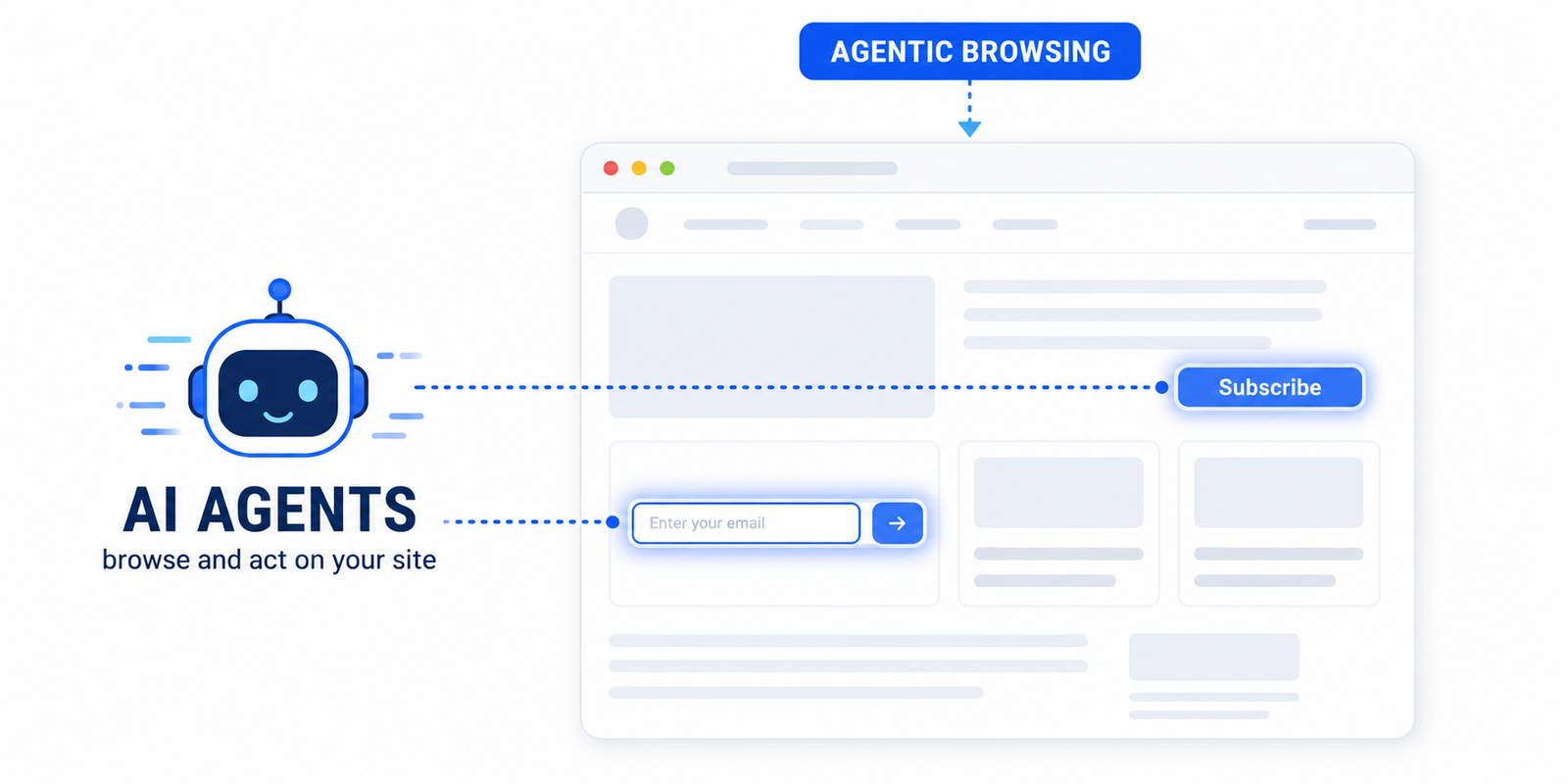
Agentic browsing is when AI agents — not humans — visit a website to read it or complete a task for someone. They navigate using the page's accessibility tree, not its pixels. WebMCP is an emerging standard that lets your site expose its forms and actions directly to those agents so they can act reliably.
For twenty years, the only visitors your WordPress site had to satisfy were humans and search-engine crawlers. That is changing. A third kind of visitor has arrived: the AI agent — an assistant acting on a real person’s behalf that opens your site, reads it, and tries to do something on it. It might compare your plugin to a competitor, fill in a form, or pull the single fact a user asked for.
This is called agentic browsing, and Google now measures how ready your site is for it inside PageSpeed Insights. This guide explains what agentic browsing is, what WebMCP is, and what both mean for a WordPress site owner — in plain English, with no hype.
What is agentic browsing?
Agentic browsing is when an AI agent, rather than a person, navigates a website to read it or complete a task. Instead of a human clicking with a mouse, a model interprets the page’s structure and decides what to do next: which link to follow, which button to press, which field to fill in.
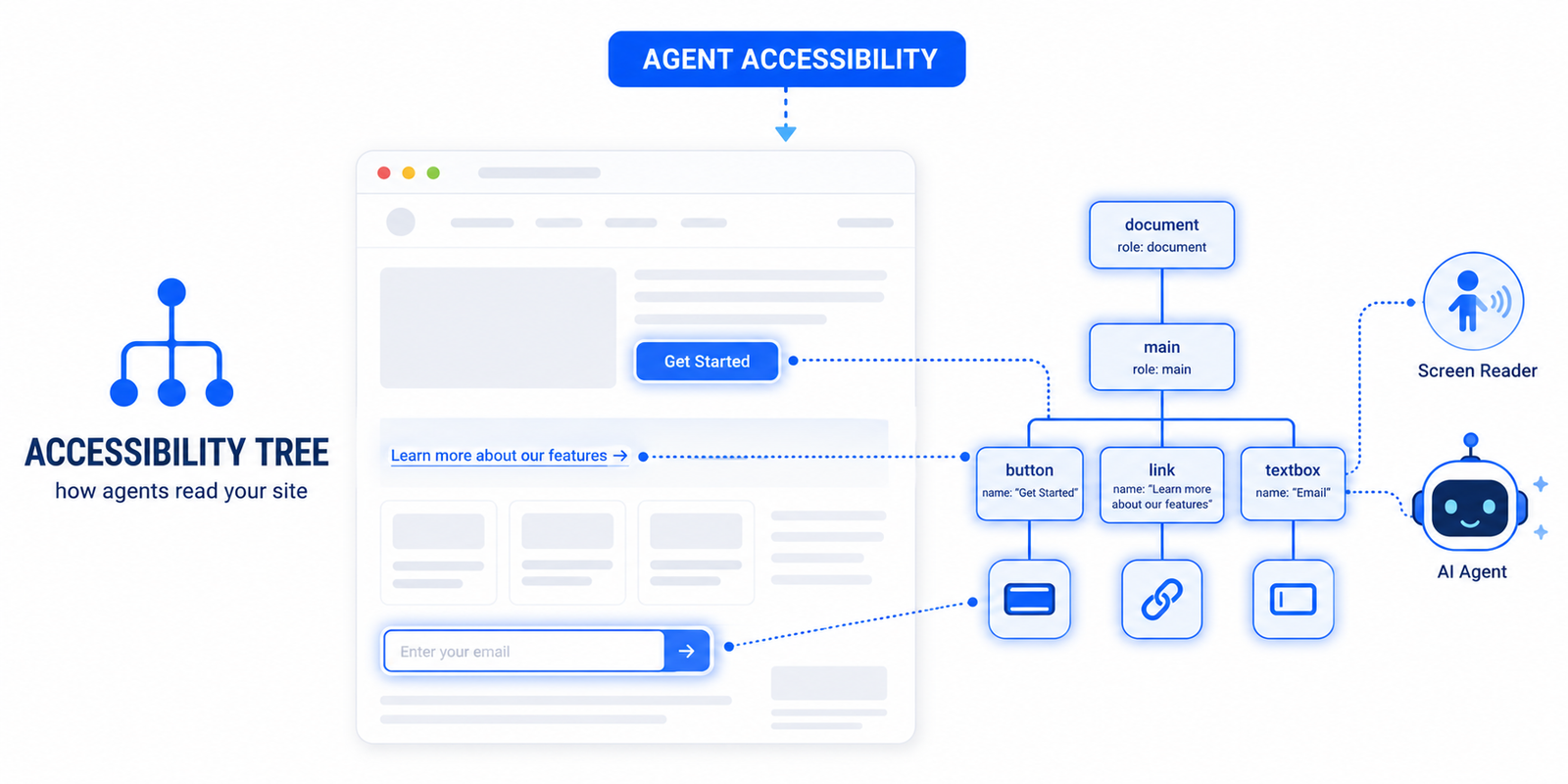
The critical difference from a human visitor is how the agent perceives your page. A person sees rendered pixels — colours, layout, images. An agent does not reliably “see” pixels at all. It reads the page’s underlying structure: the headings, the labels on buttons and links, and the role of each element. When that structure is clear, the agent succeeds. When it is missing or ambiguous, the agent gets stuck — in exactly the same place a screen-reader user would.
How AI agents actually “see” your website
Agents rely on the accessibility tree — the same machine-readable model of your page that screen readers use. The browser builds this tree from your HTML: every interactive element gets a role (button, link, textbox), a name (its label), and a state. Google’s Chrome team calls the accessibility tree the “machine-eye view” of your page, and it is the agent’s primary data model.
This has a useful consequence: accessibility and agent-readiness are the same problem. A button with no accessible name, a form field with no label, an icon-only link with no text — each one blocks a screen-reader user and an AI agent in the same way. Fixing accessibility is no longer just compliance; it is how you make your site usable by machines. We go deeper on this in our guide to accessibility for AI agents.
What is WebMCP?
WebMCP is an emerging standard that lets a website expose its actions and forms directly to AI agents, instead of forcing them to guess from the page’s HTML. Think of it as a menu of “tools” your site offers an agent: “search products”, “subscribe to the newsletter”, “calculate shipping”. An agent that understands WebMCP can call those tools precisely, rather than reverse-engineering your checkout form field by field.
It is the browser equivalent of the Model Context Protocol that already connects AI assistants to apps. WebMCP is still experimental — at the time of writing, testing it in Lighthouse requires registering for Chrome’s WebMCP origin trial.
Declarative vs imperative tools
WebMCP tools come in two forms, and the difference matters for how reliably they are detected:
- Declarative tools are defined directly in your HTML. They are static and easy for automated tools like Lighthouse to detect every time.
- Imperative tools are registered with JavaScript at runtime. They are more flexible, but their timing matters — if they register late, a one-shot audit can miss them.
Google’s Agentic Browsing audit, in one minute
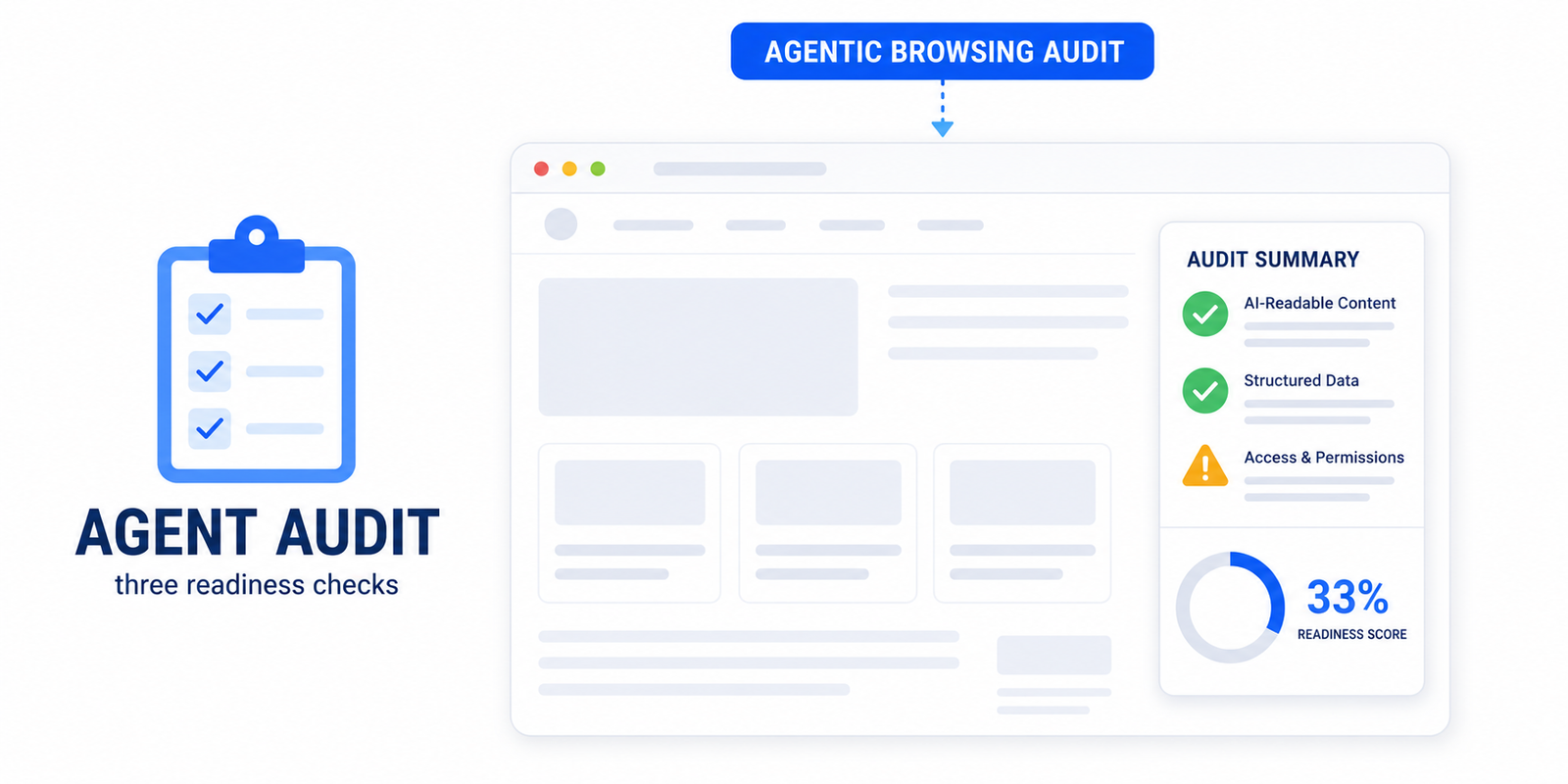
Google added an experimental Agentic Browsing category to Lighthouse and PageSpeed Insights; it requires Chrome 150 or later. Unlike the familiar 0–100 Performance score, this category shows a fraction — how many agent-readiness checks your page passes — because the standards are still emerging and Google is gathering data rather than ranking sites.
The checks fall into three groups: WebMCP integration, agent-centric accessibility (names, labels and a valid tree), and stability and discoverability (Cumulative Layout Shift, plus an llms.txt file). We break the entire audit down, score by score, in understanding the Agentic Browsing PageSpeed audit.
Why this matters for WordPress sites now
It is tempting to file all of this under “future problem”. Two reasons not to:
- The audit is already live. Run any site through PageSpeed Insights today and you can see its Agentic Browsing result. Owners are seeing scores like 1/3 with no idea what they mean.
- AI assistants already shape traffic and decisions. When someone asks ChatGPT, Claude, Gemini or Perplexity to research or buy something, a model — or an agent it controls — reads the candidate sites. A page a machine cannot parse is a page that does not get recommended.
The encouraging part for WordPress owners is that most of agent-readiness overlaps with things you should already be doing: clean semantic HTML, labelled forms, stable layouts and fast pages.
How to make your WordPress site agent-ready
A practical starting checklist, roughly in order of impact for the effort involved:
- Fix your accessibility tree. Make sure every button, link and form field has a clear, programmatic name. This one step covers the largest group of agent-readiness checks. A plugin like Easy Optimizer resolves the most common Lighthouse accessibility failures — missing form labels, accessible names and un-crawlable links — automatically.
- Stabilise your layout. Reduce Cumulative Layout Shift so elements do not move between the moment an agent locates them and the moment it acts. Set width and height on images, reserve space for embeds, and load fonts with
font-display: swap. - Add an
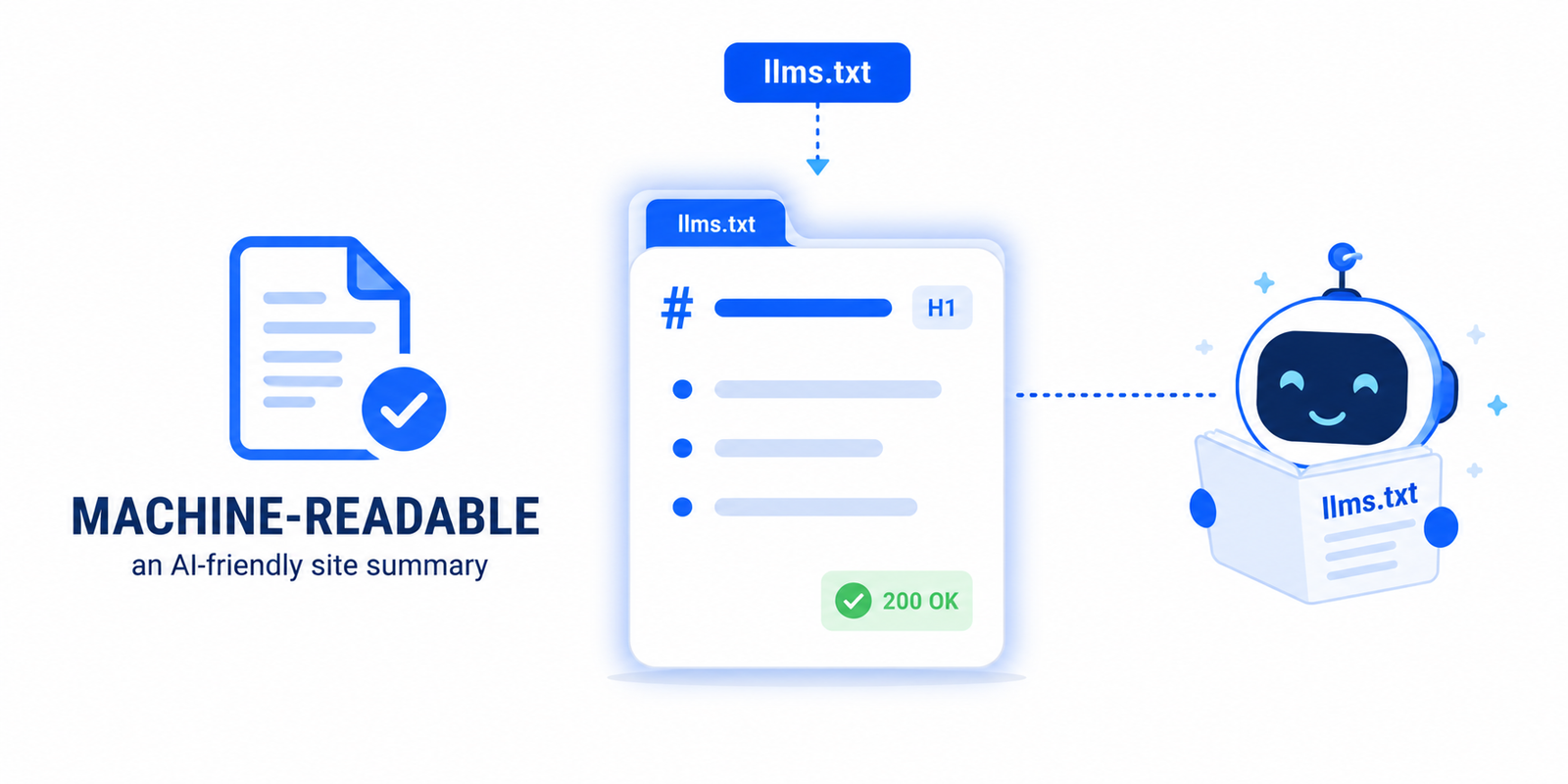
llms.txtfile. This is a short Markdown summary of your site placed at your domain root that helps models understand your content without crawling every page. See our walkthrough on adding llms.txt to WordPress. - Consider WebMCP if your site has key actions — search, booking, signup — that you want agents to use reliably. This is the most advanced step and remains experimental.
Where this is heading
Agentic browsing is early and, in Google’s own words, “under development and subject to change”. Standards like WebMCP and llms.txt will keep evolving. But the direction is unmistakable: the web is becoming something machines act on, not just something humans read. The sites that are clean, labelled, stable and machine-readable will be the ones AI assistants can actually use — and recommend.
You do not need to chase every experimental spec. Start with the fundamentals that already help humans and search engines: accessibility, layout stability and a clear content structure. They are the same things that make your site ready for agents.
What is agentic browsing in simple terms?
It is when an AI agent visits a website on a person’s behalf to read it or complete a task — like booking, comparing or filling a form — instead of a human doing it by hand. The agent reads the page’s structure rather than its visual appearance.
Is agentic browsing the same as AI crawling?
No. Crawling is an AI bot reading and indexing your content. Agentic browsing goes further: the agent interacts with the page — clicking, navigating and submitting forms — to accomplish a goal. Crawlability helps agents find you; agent-readiness helps them act once they arrive.
Do I need WebMCP on my WordPress site?
Not yet, for most sites. WebMCP is experimental and currently requires a Chrome origin trial to test. It is most useful if your site has key actions — search, signup, booking — you want agents to use precisely. Fixing accessibility and layout stability first delivers more value for less effort.
How do AI agents read my website?
Through the accessibility tree — the same machine-readable model screen readers use. The browser builds it from your HTML, giving each element a role, a name and a state. If your buttons, links and form fields are properly labelled, agents can understand and use them.
Will making my site accessible help with AI agents?
Yes — directly. Agent-readiness and accessibility share the same foundation: a clean accessibility tree. Adding labels to forms, accessible names to buttons and discernible text to links helps screen-reader users and AI agents at the same time, and it improves your Agentic Browsing audit result.
Is the Agentic Browsing PageSpeed score important?
It is experimental, so Google shows a fraction of checks passed rather than a 0–100 score, and it is still changing. Treat it as an early signal, not a ranking factor. The underlying work it rewards — accessibility, stability and a machine-readable summary — is worth doing regardless.