
 Uzair
Uzair 
Deferring offscreen images means lazy-loading images below the fold so they download only as the user scrolls to them. This speeds up the initial load. Do it right by lazy-loading below-the-fold images only, never the LCP image, and keeping image dimensions set so the layout doesn't shift.
The PageSpeed Insights recommendation “Defer offscreen images” is asking you to stop loading images the visitor cannot see yet. Done well, this is one of the simplest ways to speed up your initial page load. Done badly, it can hurt your Largest Contentful Paint or cause layout shifts. This guide shows how to lazy-load images correctly in WordPress.
What “defer offscreen images” means
When a page loads, the browser by default tries to download every image at once — including the ones far down the page that the visitor will only see if they scroll. Those “offscreen” images compete for bandwidth with the content that is actually visible, slowing down the part of the page that matters most. Deferring them — better known as lazy loading — means waiting to download each below-the-fold image until the user scrolls near it. The visible part of the page loads faster because it is not sharing bandwidth with images nobody is looking at yet.
How lazy loading works in WordPress
Modern browsers support native lazy loading through the loading="lazy" attribute, and WordPress adds it automatically to many images. However, the built-in behaviour is conservative and does not cover everything — background images, images added by page builders, sliders, and iframes are often missed. That is why a dedicated lazy-load feature usually still improves the result.
The three mistakes that break lazy loading
Lazy loading is easy to get subtly wrong. Avoid these:
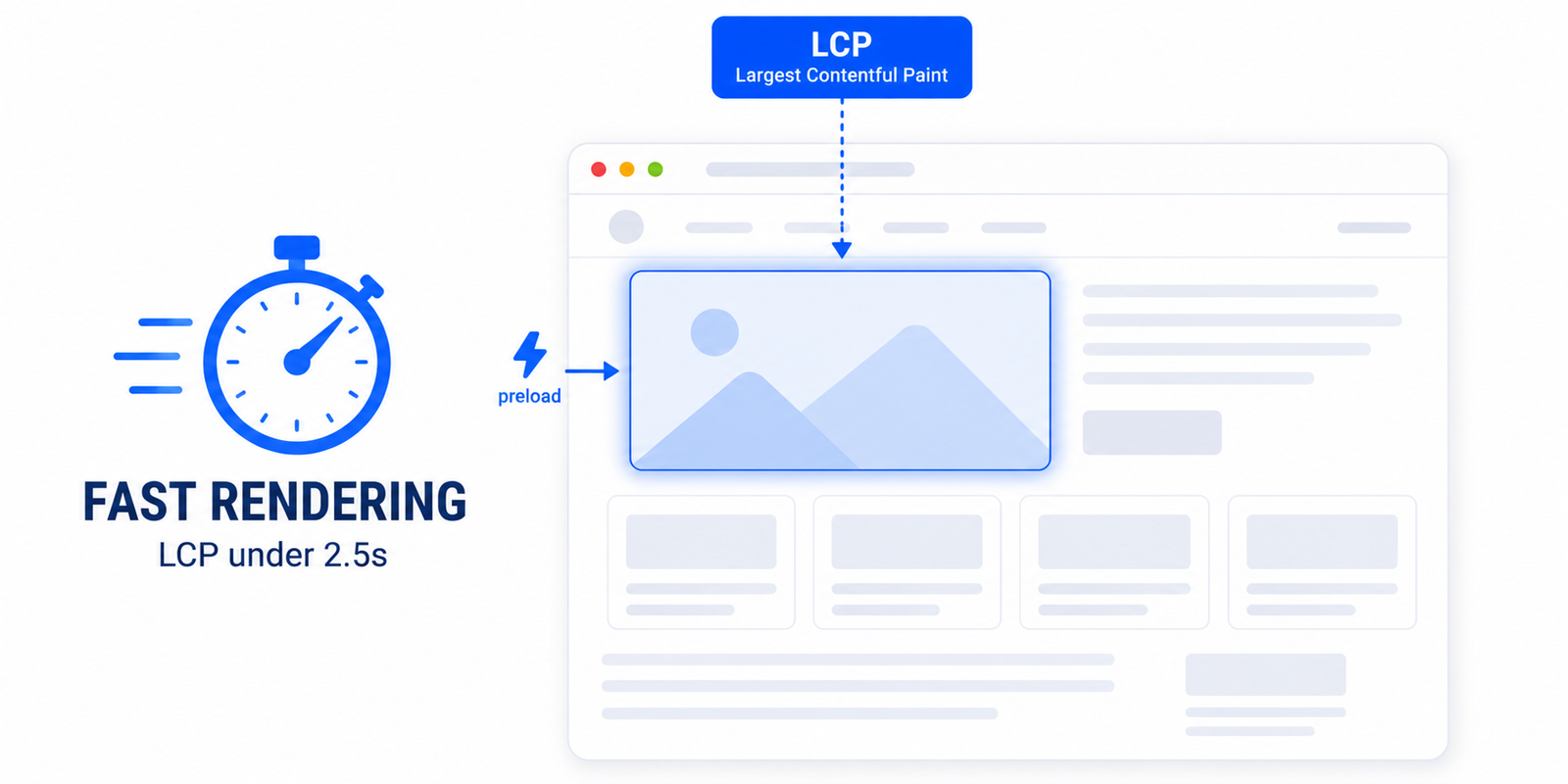
- Lazy-loading the LCP image. This is the big one. If you lazy-load your hero image — your largest above-the-fold element — you delay it, which directly worsens Largest Contentful Paint. Above-the-fold images, especially the LCP image, must load eagerly.
- Dropping image dimensions. If lazy-loaded images do not reserve their space, the page jumps as they appear, creating Cumulative Layout Shift. Always keep width and height set.
- Lazy-loading everything indiscriminately. Applying it to the first screen of content makes the page feel slower, not faster. Lazy loading should start below the fold.
How to defer offscreen images correctly
- Lazy-load below-the-fold images only. Everything the visitor sees on arrival should load immediately; everything further down should defer until needed.
- Exclude the LCP image and above-the-fold images from lazy loading so they are never delayed.
- Keep dimensions reserved on every lazy-loaded image so nothing shifts as it loads.
- Extend coverage to what the browser misses — background images, iframes, and video embeds — so the whole page benefits.
The easy way in WordPress
Easy Optimizer handles all of this with its lazy-loading feature: it defers offscreen images, iframes, and background images, automatically skips the LCP and above-the-fold images so your render speed is protected, and keeps dimensions reserved to prevent layout shift. That gives you the speed benefit of deferring offscreen images without the usual side effects. After enabling it, scroll through your key pages to confirm images appear smoothly and your hero image still loads instantly.
Pair it with image optimisation
Deferring offscreen images controls when images load; it does not make them smaller. For the full benefit, combine it with properly sizing your images and serving them in modern formats like WebP or AVIF. Together — smaller images, loaded at the right time — they make a real difference to load speed and your overall Core Web Vitals.
What does “defer offscreen images” mean?
It means lazy-loading images below the fold so they download only when the user scrolls near them, instead of all at once on page load. This frees bandwidth for the visible part of the page, which loads faster.
Does WordPress lazy-load images by default?
WordPress adds native lazy loading to many images automatically, but it misses background images, some page-builder and slider images, and iframes. A dedicated lazy-load feature usually extends coverage and improves the result.
Why does lazy loading sometimes hurt my score?
Usually because the LCP or above-the-fold image was lazy-loaded, which delays it and worsens Largest Contentful Paint, or because dimensions were dropped and the page shifts as images load. Exclude above-the-fold images and keep dimensions set.
Should I lazy-load my hero image?
No. Your hero image is usually the LCP element, and lazy-loading delays it — the opposite of what you want. Above-the-fold images, especially the LCP image, should load eagerly while below-the-fold images defer.
Can a plugin defer offscreen images correctly?
Yes. Easy Optimizer lazy-loads offscreen images, iframes, and background images, automatically skips above-the-fold and LCP images, and keeps dimensions reserved to avoid layout shift — covering the cases native lazy loading misses.
Does deferring images make them smaller?
No, it only controls when they load. To reduce file size, also compress your images, size them correctly for their display dimensions, and serve modern formats like WebP or AVIF. Combine both for the best result.
![Image Elements Do Not Have [alt] Attributes](https://fluxpress.io/wp-content/uploads/2026/06/Image-Elements-Do-Not-Have-alt-Attributes.png)