
 Uzair
Uzair 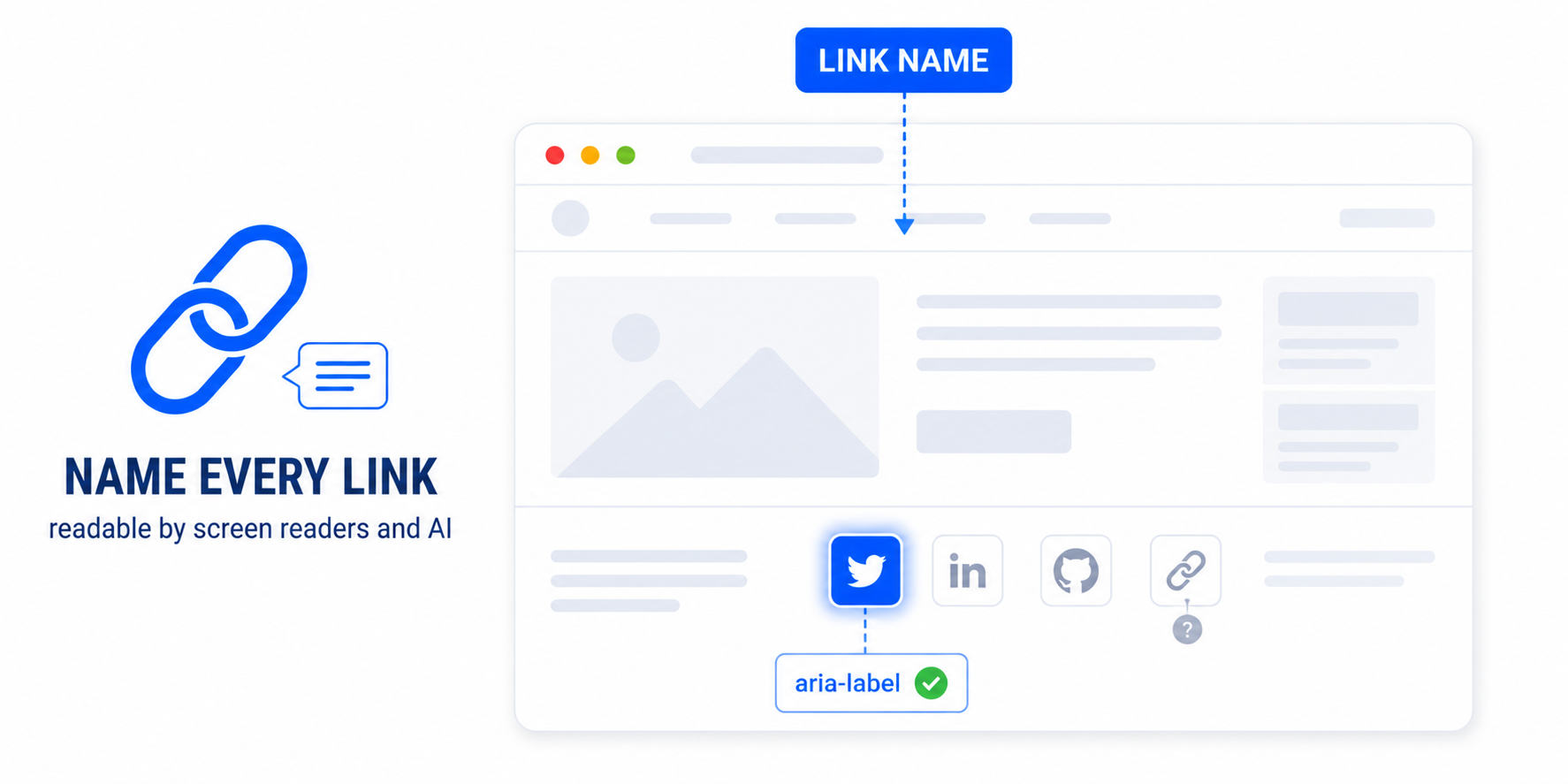
This accessibility error means a link has no text that screen readers or AI agents can announce — usually an icon-only or image link. Fix it by adding visible text, an aria-label, or alt text on the link's image, so every link clearly describes where it goes.
The Lighthouse accessibility error “Links do not have a discernible name” means exactly what it says: somewhere on your page is a link that screen readers — and now AI agents — cannot describe, because it has no readable name. This guide explains what triggers it in WordPress and how to fix every case.
What a “discernible name” is
Every link needs a name that assistive technology can announce out loud, so a user knows where it leads before activating it. Normally that name is simply the link’s text — “About us,” “Read the full guide.” The error appears when a link has no perceivable text at all: a screen reader reaches it and can only say “link,” with no idea of its purpose. The same gap stops an AI agent from knowing what the link does, because both read the page’s accessibility tree, not its pixels.
What causes it in WordPress
The usual culprits are links that contain something other than text:
- Icon-only links — social media icons, a search or cart icon — where the visual is an icon font or SVG with no accompanying text.
- Image links with no alt text, such as a logo linking home where the logo image has an empty
altattribute. - “Arrow only” links — a read-more or next/previous link that is just a chevron icon.
- Empty links created by page builders or sliders that wrap an element but contain no text.
How to fix it
There are three valid ways to give a link a name; pick whichever fits the link:
- Add an
aria-labeldescribing the destination. Best for icon-only links:
<a href="/cart" aria-label="View your cart">
  <svg>...</svg>
</a>- Give the link’s image meaningful
alttext. For image links, the alt text becomes the link’s name:
<a href="/">
  <img src="logo.png" alt="FluxPress home">
</a>- Add visually hidden text. Keep the icon for sighted users and include screen-reader-only text inside the link (a class such as
.screen-reader-text, which WordPress ships with, hides it visually while keeping it in the accessibility tree).
Whichever you choose, make the name descriptive — “View your cart,” not “link” or “click here.”
Fixing it across a WordPress site
The problem is that these links live in themes, plugins, menus, and page-builder elements — so fixing them one by one in template files is tedious and gets undone by updates. Easy Optimizer includes accessibility fixes that automatically add accessible names to links that lack them, so social icons, image links, and icon links become announceable without editing templates. After enabling it, re-run Lighthouse to confirm the error is cleared, and spot-check that the generated names make sense for your most important links.
Why this matters more than ever
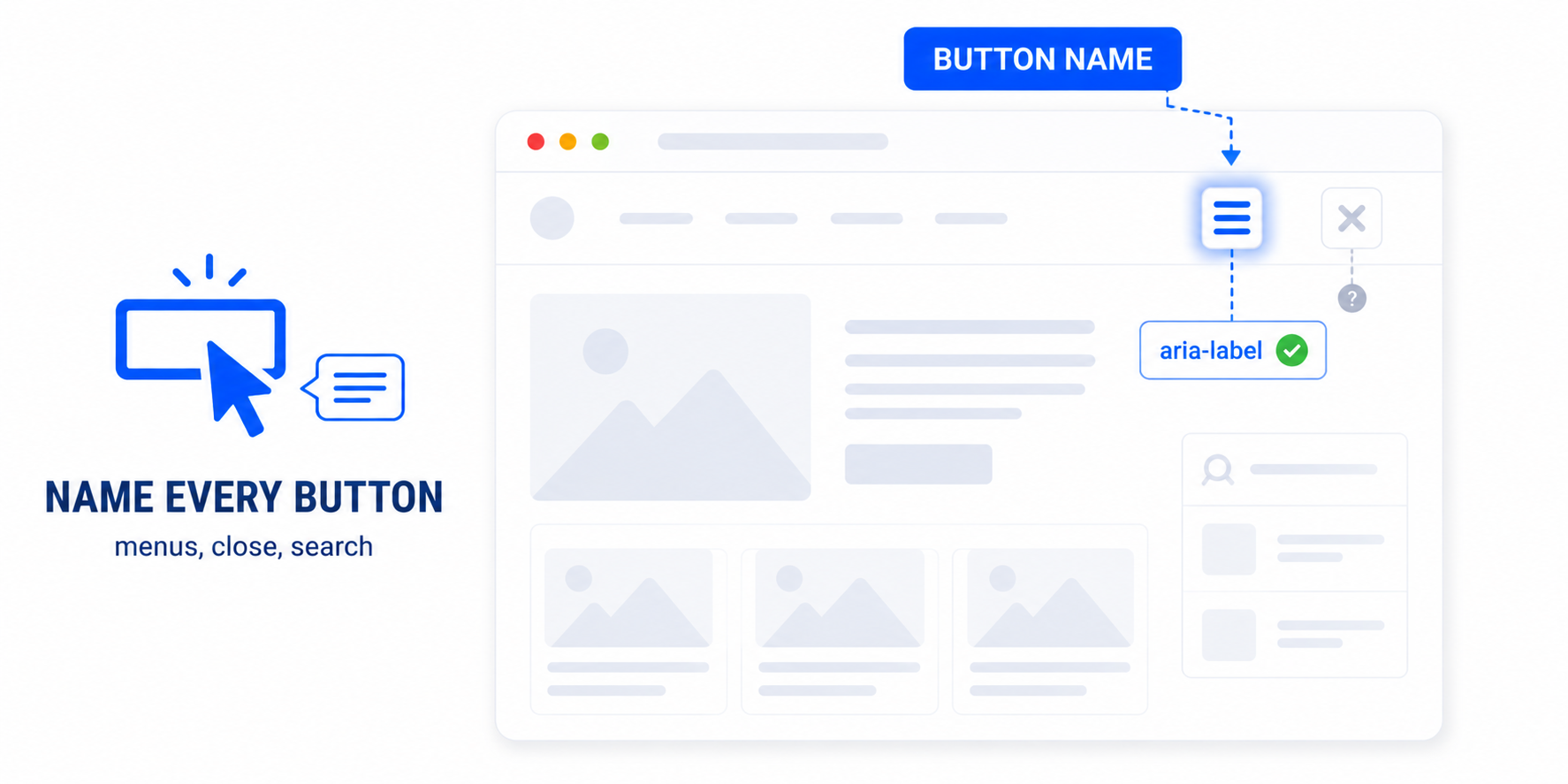
Discernible link names have always mattered for accessibility and SEO — search engines use link text to understand what you are linking to. Now there is a third audience: AI agents navigating your site read link names to decide where to go. A link with no name is a dead end for a screen-reader user, a missed signal for search engines, and an obstacle for agents. One fix serves all three. See accessibility for AI agents for the bigger picture, and fix the closely related buttons without an accessible name while you are at it.
What does “links do not have a discernible name” mean?
It means a link has no text a screen reader can announce, so users can’t tell where it goes. It’s usually an icon-only or image link with no label or alt text. The fix is to give every link a clear, descriptive name.
How do I add an accessible name to an icon link?
Add an aria-label describing the destination, for example aria-label=”View your cart” on a cart-icon link. Alternatively, include visually hidden text inside the link. Either gives the link a name without changing how it looks.
Does alt text fix link accessibility?
For image links, yes. When a link wraps an image, the image’s alt text becomes the link’s accessible name. Give a logo-home link alt text like “Site name home” rather than leaving it empty.
Why do my social media icons cause this error?
Social icons are usually icon fonts or SVGs with no text, so the link has nothing to announce. Add an aria-label such as “Follow us on Facebook” to each one, or include visually hidden text describing the platform.
Can a plugin fix discernible link names automatically?
Yes. Easy Optimizer’s accessibility fixes add accessible names to links that lack them, covering icon and image links without editing theme files. Re-run Lighthouse afterward and check that the names make sense for key links.
Do AI agents care about link names?
Yes. Agents read link names from the accessibility tree to decide where to navigate. A link with no name is as much a dead end for an agent as it is for a screen-reader user, so fixing it improves agent-readiness too.
![[user-scalable=no] maximum-scale Viewport](https://cdn.fluxpress.io/fp5nquhs1rvv02/ehhpvLDu/rs:fit:2560:0/plain/https://fluxpress.io/wp-content/uploads/2026/06/user-scalableno-maximum-scale-Viewport.png)