 Uzair
Uzair 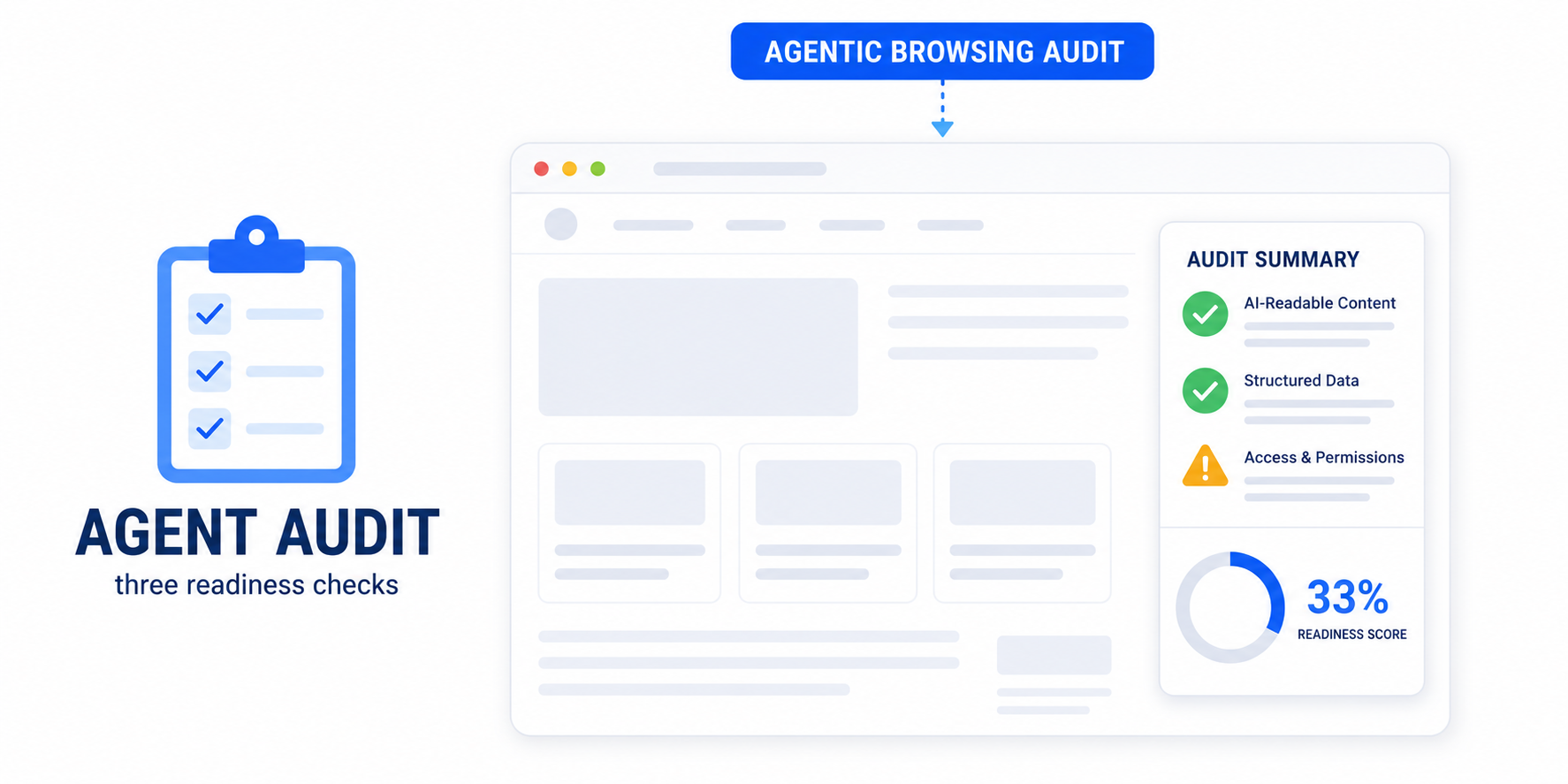
The Agentic Browsing audit in PageSpeed Insights measures how ready your site is for AI agents. It's experimental, needs Chrome 150+, and shows a fraction of checks passed instead of a 0–100 score. It covers three areas: WebMCP integration, agent accessibility, and stability plus an llms.txt file.
If you have run your WordPress site through PageSpeed Insights recently, you may have noticed an unfamiliar section near the bottom of the report: Agentic Browsing, often showing a small fraction like 1/3 instead of a score out of 100. It is new, it is experimental, and almost nobody is explaining what it means. This guide does.
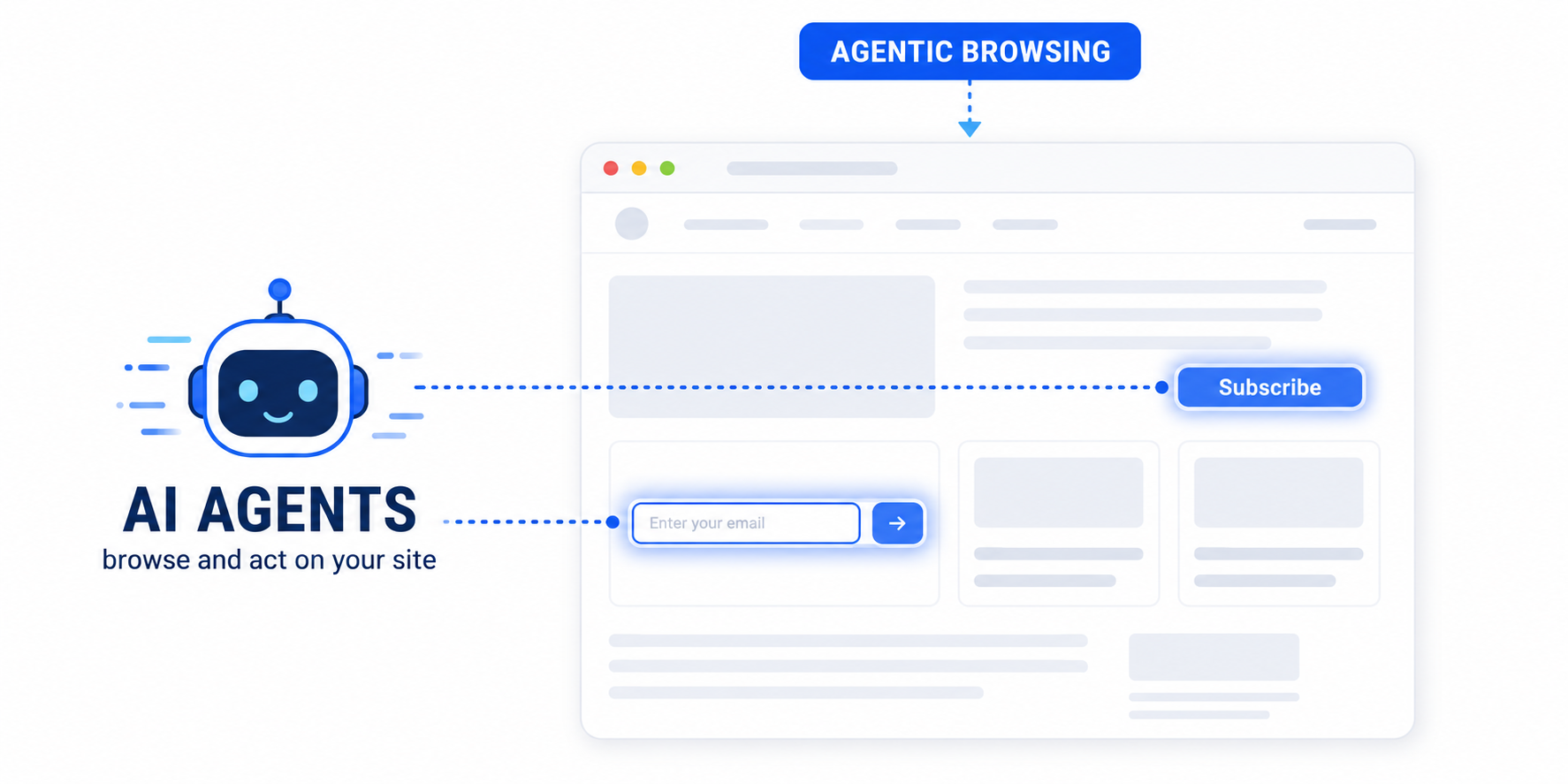
In short, the Agentic Browsing audit measures how ready your site is for AI agents — assistants that read and act on web pages on a user’s behalf. Here is what each part of it checks, why it is scored so differently from the rest of the report, and what you can actually do about it.
What the Agentic Browsing category measures
Google describes the category as an evaluation of how well your site is constructed for machine interaction, using a set of deterministic checks. “Deterministic” matters here: the audits are designed to be reproducible, so the same page should return the same result, and the checks can be wired into a CI/CD pipeline. The category exists for a web where software — not just people — consumes your pages.
Why it shows a fraction, not a 0–100 score
Every other Lighthouse category — Performance, Accessibility, SEO — gives you a weighted score from 0 to 100. Agentic Browsing deliberately does not. Because the standards for the agentic web are still emerging, Google’s stated goal is to gather data and surface actionable signals rather than rank sites with a definitive number.
So instead of a score, the report shows:
- a fractional score — a ratio of how many agent-readiness checks your page passes;
- pass or fail status on individual audits, which may emit errors or warnings (for example, invalid WebMCP schema);
- informational counts in the category header so you can watch progress over time.
The three groups of checks
The audits fall into three areas. Knowing which group a failure belongs to tells you how to fix it.
1. WebMCP integration
WebMCP is an emerging standard that lets a site expose its actions and forms directly to agents. Lighthouse watches for tool registration and verifies both declarative tools (defined in your HTML) and imperative tools (registered with JavaScript), and it checks that any WebMCP schema you provide is valid. This is the most advanced group and currently requires a Chrome origin trial to test — most WordPress sites will not have WebMCP yet, and that is fine.
2. Agent-centric accessibility
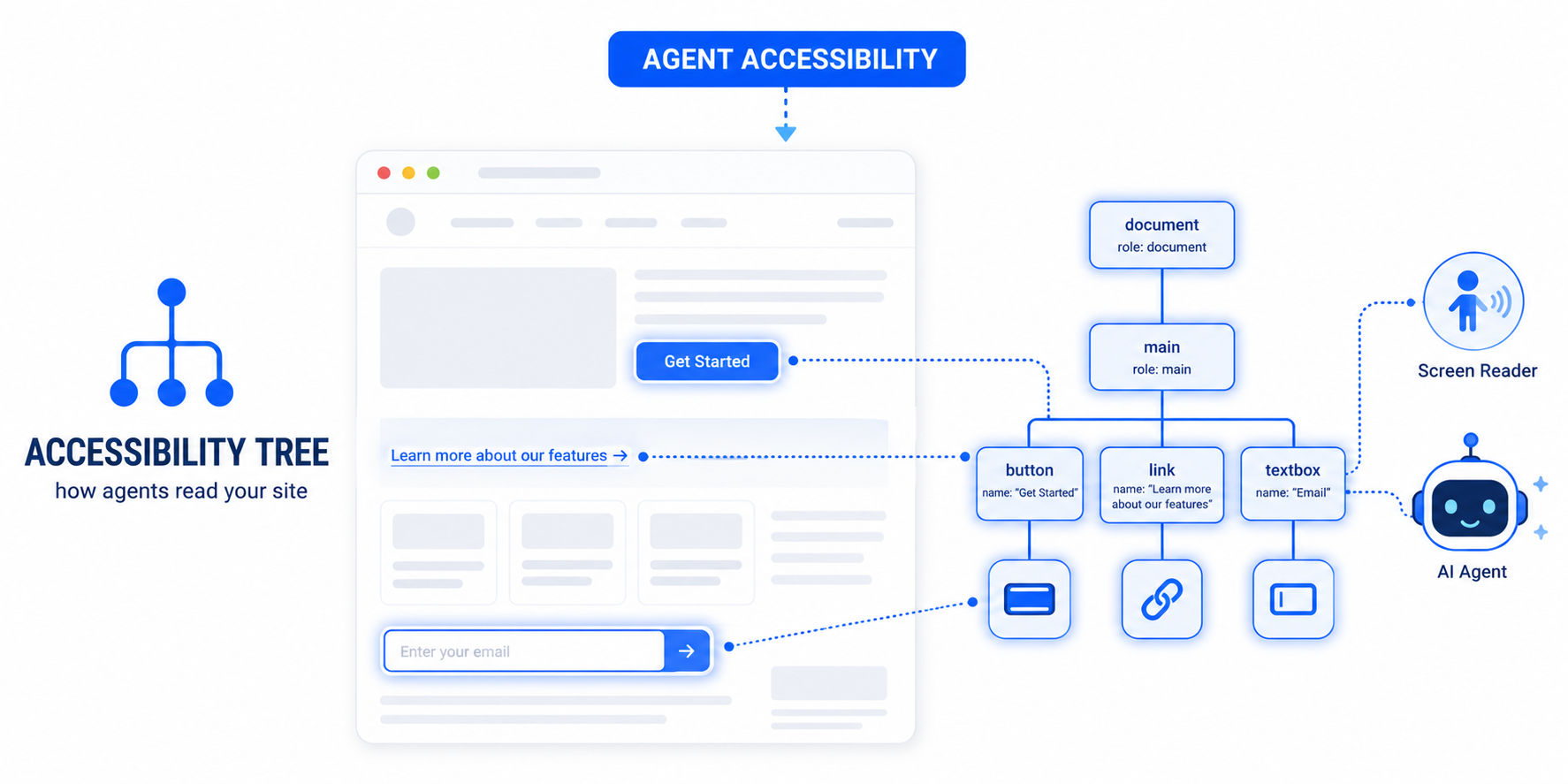
Agents rely on the accessibility tree as their primary data model, so Lighthouse runs a focused subset of accessibility checks that matter most for machine interaction:
- Names and labels — every interactive element needs a programmatic name (a button’s label, a link’s text, a field’s label).
- Tree integrity — roles and parent-child relationships must be valid.
- Visibility — content that is interactive must not be hidden from the accessibility tree.
This is the group most WordPress sites can improve fastest, because it overlaps with ordinary accessibility work. We cover it in depth in accessibility for AI agents.
3. Stability and discoverability
Two final checks round out the category:
- Cumulative Layout Shift (CLS) — the same visual-stability metric from Core Web Vitals, but here it matters because an agent relies on element positions. If a button moves between the moment the agent locates it and the moment it clicks, the interaction fails.
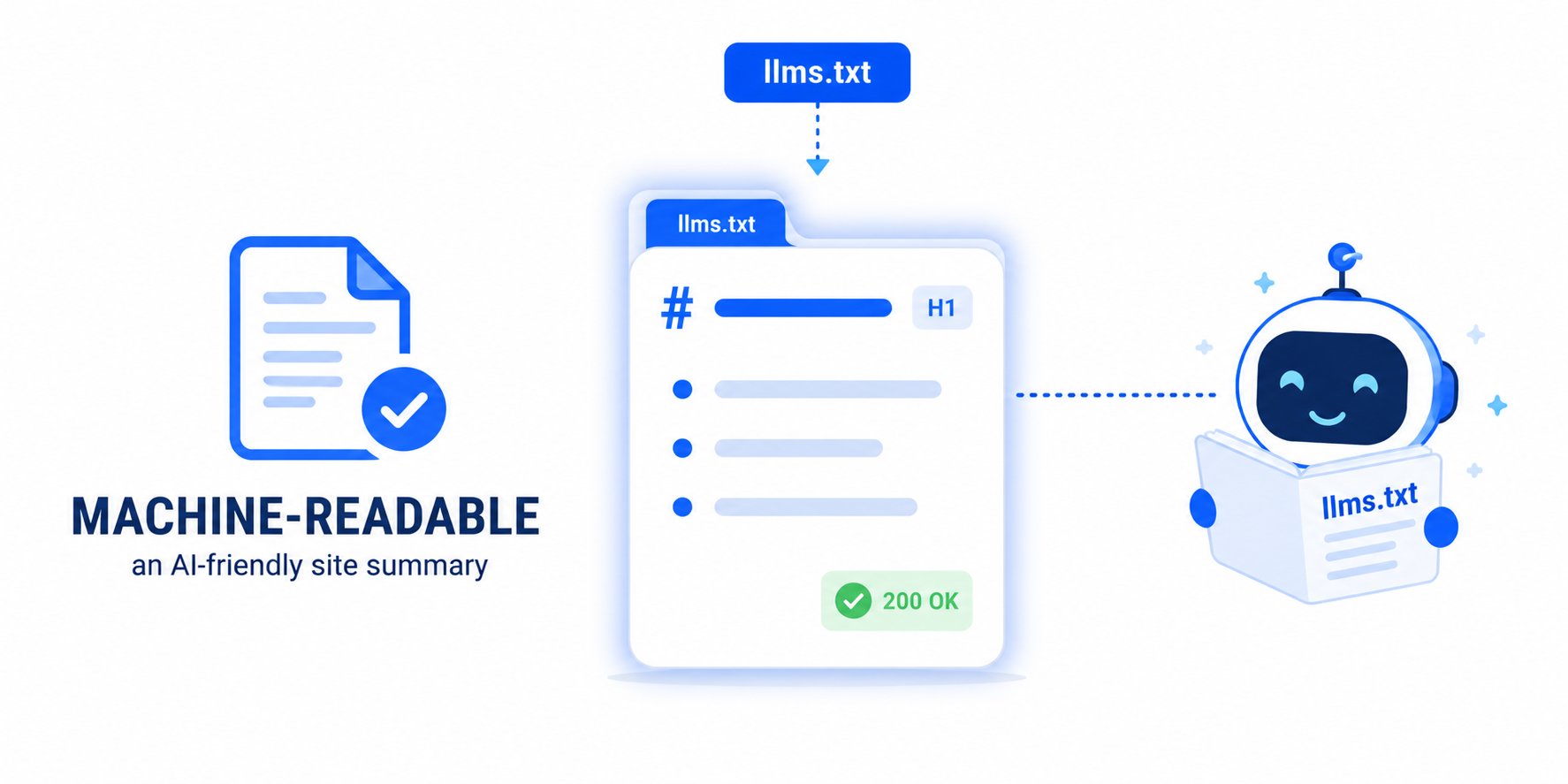
llms.txt— a check for a machine-readable Markdown summary at your domain root. If yours is missing or broken you will see a warning; we have a dedicated fix for “llms.txt does not follow recommendations”.
Why your score fluctuates between runs
Even though the audits are deterministic, your result can still change from one test to the next. Google lists three common causes:
- Dynamic tool registration. If your site registers WebMCP tools with JavaScript, the timing of those registrations can affect whether they are captured during the snapshot.
- Accessibility-tree variability. Large changes in DOM size or complexity reshape the accessibility tree the audit reads.
- Layout shifts. Ads, images without dimensions, or injected content can move elements between runs and change the CLS result.
The takeaway: a stable, predictable page produces a stable score. Reducing layout shift and keeping your markup consistent removes most of the wobble.
How to test the Agentic Browsing audit
Two practical requirements:
- You need Chrome 150 or later for the category to appear.
- The WebMCP audits specifically require registering for the WebMCP origin trial. The accessibility, CLS and
llms.txtchecks do not.
Run your URL through PageSpeed Insights and scroll to the Agentic Browsing section, or run Lighthouse directly in Chrome DevTools.
How to improve your Agentic Browsing result
Google’s own guidance, translated into WordPress terms:
- Ensure a sound accessibility tree. Prioritise semantic HTML and proper labelling — this is the “machine-eye view” of your page and the single biggest lever. Easy Optimizer fixes the most common Lighthouse accessibility failures (form labels, accessible names, crawlable links) automatically.
- Optimise for stability. Reduce CLS so agents can interact without elements moving. Set image dimensions, reserve space for dynamic content, and use
font-display: swap— all of which Easy Optimizer can handle. - Add an
llms.txtfile at your domain root so models can understand your site without crawling it page by page. - Adopt WebMCP only if you have key actions you want agents to call precisely. This is optional and experimental.
Should you worry about this score?
Not in the way you worry about Core Web Vitals. It is experimental, shown as a fraction, and “under development and subject to change” — it is not a confirmed Google ranking factor. Treat it as an early-warning dashboard for a shift that is clearly coming. The work it rewards — accessibility, stability and a machine-readable summary — is worth doing on its own merits, which is what makes this audit worth a few minutes of attention rather than anxiety.
What is a good Agentic Browsing score?
There is no 0–100 target. Google shows a fraction of checks passed because the category is experimental. Aim to pass the accessibility and stability checks (and add an llms.txt file); the WebMCP checks are optional for most sites. Passing more checks is the goal, not hitting a specific number.
Why is my Agentic Browsing score only 1/3?
A 1/3 result usually means you pass one check group and fail the others — commonly missing an llms.txt file and having layout-shift or accessibility issues, while WebMCP isn’t implemented. Fix accessibility and CLS, add an llms.txt file, and the fraction rises.
Does the Agentic Browsing audit affect my Google ranking?
No confirmed link exists. The category is experimental and labelled “under development and subject to change,” so it is not a stated ranking factor. However, the things it rewards — accessibility, stability and structured content — already support SEO and AI visibility.
How do I see the Agentic Browsing audit in PageSpeed Insights?
Run your URL at pagespeed.web.dev and scroll past Performance to the Agentic Browsing section. The full category requires Chrome 150 or later, and the WebMCP-specific checks require registering for the WebMCP origin trial.
Why does my Agentic Browsing score change every time I test?
Three things cause fluctuation: JavaScript-registered WebMCP tools that load at different times, changes in your page’s DOM size that reshape the accessibility tree, and layout shifts from ads or undimensioned images. A stable, consistent page produces a stable result.
Which WordPress plugin improves the Agentic Browsing audit?
Easy Optimizer addresses two of the three audit groups: it fixes the common accessibility failures (form labels, accessible names, crawlable links) and reduces Cumulative Layout Shift through image dimensions, LCP preload and font-display:swap. Pair it with an llms.txt file to cover discoverability too.